
Quick answer
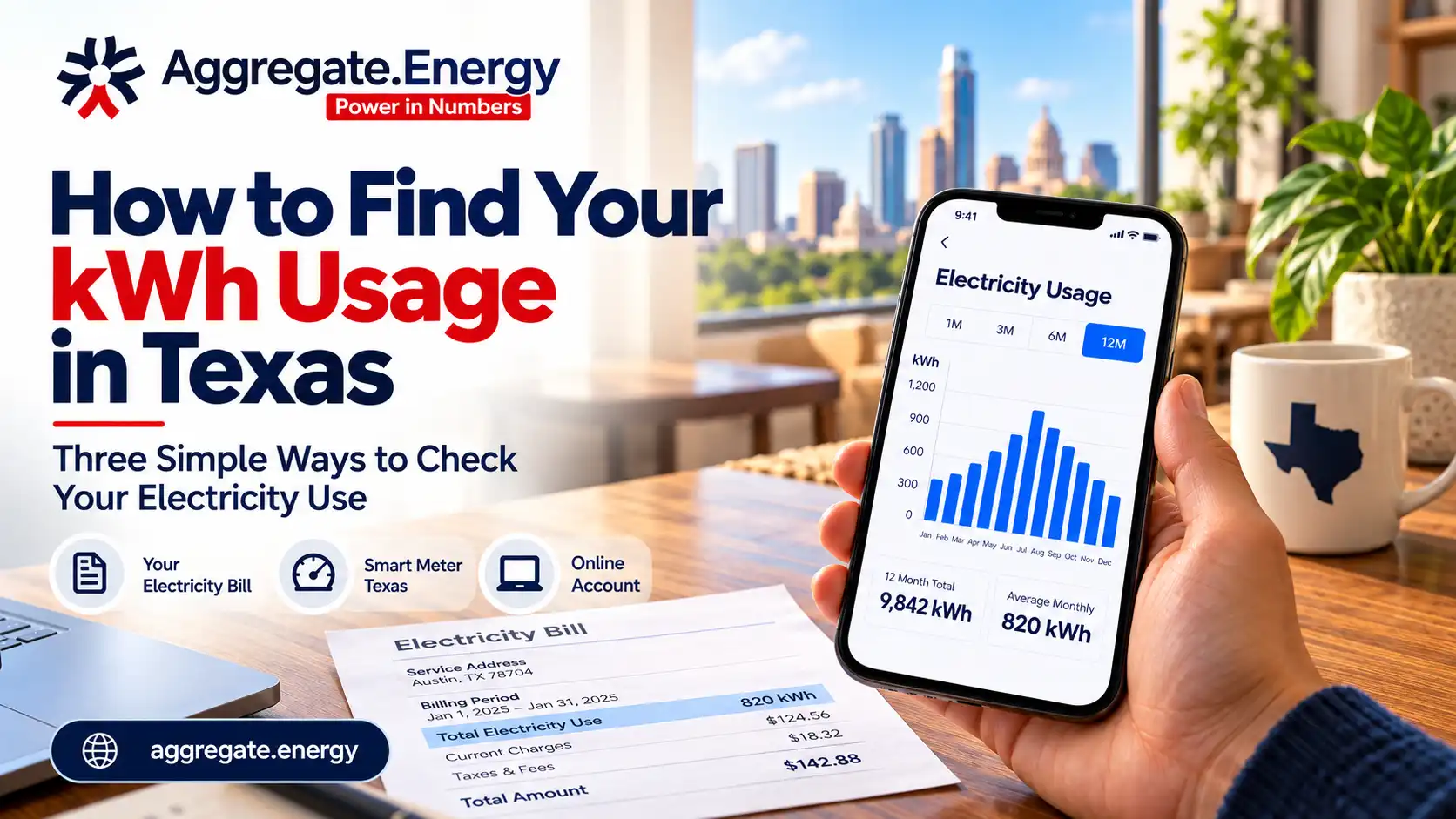
There are three ways to get your kWh history: your provider’s online account, your paper or PDF bills, and Smart Meter Texas, the free portal that holds your meter’s own data. Any of them gives you the one number every plan comparison depends on. Budget ten minutes.
Why this is the first step, not an optional one
Every plan in Texas is advertised at fixed usage levels. Your bill is calculated on what you actually used. Until you know your own numbers, you are comparing someone else’s household to your own.
Two homes on the same street, same plan, can differ by 40 percent on the bill. Square footage, insulation, how many people are home during the day, whether the pool pump runs. None of that is in an advertised rate.
Way one: your provider’s online account
Fastest for most people.
- Log in to your current provider’s website or app.
- Look for usage, usage history, or my energy use. It is usually a tab near billing.
- Find the monthly view and look for 12 months of data.
- Write down each month’s kWh, or download the CSV if offered.
What you want is kilowatt-hours, not dollars. Dollars change with rates. Kilowatt-hours are the thing you are actually buying.
Way two: your bills
If the online account is thin or you have switched providers in the last year, the bills themselves work.
Each bill shows the kWh used for that billing period. Twelve bills is twelve data points. Email is usually the fastest place to find them: search your inbox for the provider name.
One warning. Billing periods are not calendar months, and they shift by a few days. For comparing plans that does not matter. For comparing one month against the same month last year, check the number of days in each period before you conclude anything.
Way three: Smart Meter Texas
This is the one almost nobody uses, and it is the most complete.
Smart Meter Texas is the portal for the ERCOT region where your meter’s own data lives. It is run for the market, not by your provider, so the data follows you rather than your account.
- Register at smartmetertexas.com using your ESID and the name on the account.
- Once verified, you can see daily and 15-minute interval data, not just monthly totals.
- You can download it, and you can grant access to someone helping you shop.
Interval data answers questions monthly totals cannot: when during the day you use power, whether your overnight baseline is high, whether a time-of-use plan would actually suit you.
Registration can take a few days if verification is needed, so start it before you are in a hurry.
What to do with the numbers
Pull out four figures and write them somewhere you will find again.
| Figure | Why it matters |
|---|---|
| Lowest month | Shows whether base charges and minimum usage fees will bite |
| Highest month | Shows what a summer or a cold snap actually costs you |
| Twelve-month total | The only honest basis for comparing annual cost between plans |
| Monthly average | Useful shorthand, but never the only number you use |
For context, the average Texas home used 819 kWh in March 2026 and 1,309 kWh in June 2026, per U.S. Energy Information Administration data. If your own spread is wider than that, plan structure matters more for you than the headline rate does.
If you are new to the address
You have no history, so estimate rather than guess.
- Ask the landlord or the previous owner for typical bills.
- Use square footage as a rough guide until you have real data.
- Avoid locking a long contract on an estimate. Get through a summer and a winter first, then shop on facts.
How this changes what you buy
With twelve months in hand you can do something most Texans never do: price a plan against your own year rather than against a marketing benchmark. Multiply each month’s usage by the plan’s structure, add delivery, total it up, and compare annual cost to annual cost.
That is also how a buying pool prices. Aggregate Energy looks at the group’s real usage profile rather than a single benchmark figure, which is why the plan structure matters as much as the rate. Check your ZIP code to see what that looks like for your area.
Frequently asked questions
Where do I find my kWh usage?
Your provider’s online account, your last 12 bills, or Smart Meter Texas. All three are free.
What is Smart Meter Texas?
The ERCOT-region portal that holds your meter’s own usage data, including 15-minute intervals. You register with your ESID.
How much history do I need?
Twelve months. Anything less misses either your summer peak or your mild months, and both change the answer.
Do I need my ESID?
For Smart Meter Texas, yes. It is on your bill.
What if I just moved in?
Estimate from home size, keep the contract short, and shop properly once you have real data.